My Reflections on GitHub Universe 2026
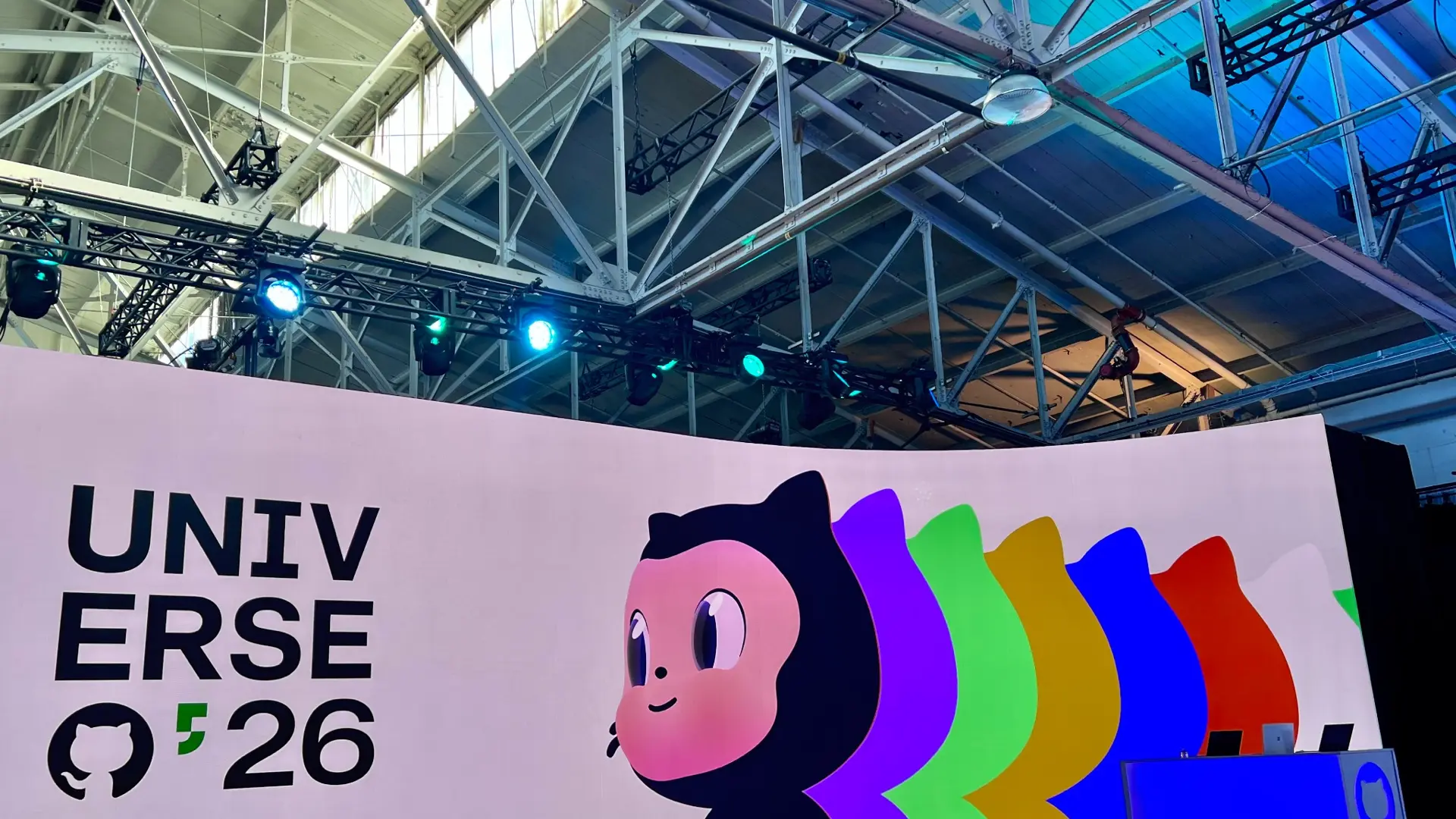
Last week I attended GitHub Universe in San Francisco. I’ve had some time to reflect and collect my thoughts, so I figured I’d share them.
Many of you might be wondering what actually goes on at GitHub Universe. I had the same thought going in. I knew there would be announcements and technical sessions, but I wasn’t entirely sure what else to expect.
The best way I can describe it is that it’s a time to reflect, meet community members and Hubbers (GitHub employees), share feedback, see what people are building, and get a look at what’s coming next.
There was a lot happening over the two days, but some of my favorite parts weren’t necessarily the technical sessions or announcements.
A behind-the-scenes look at Universe
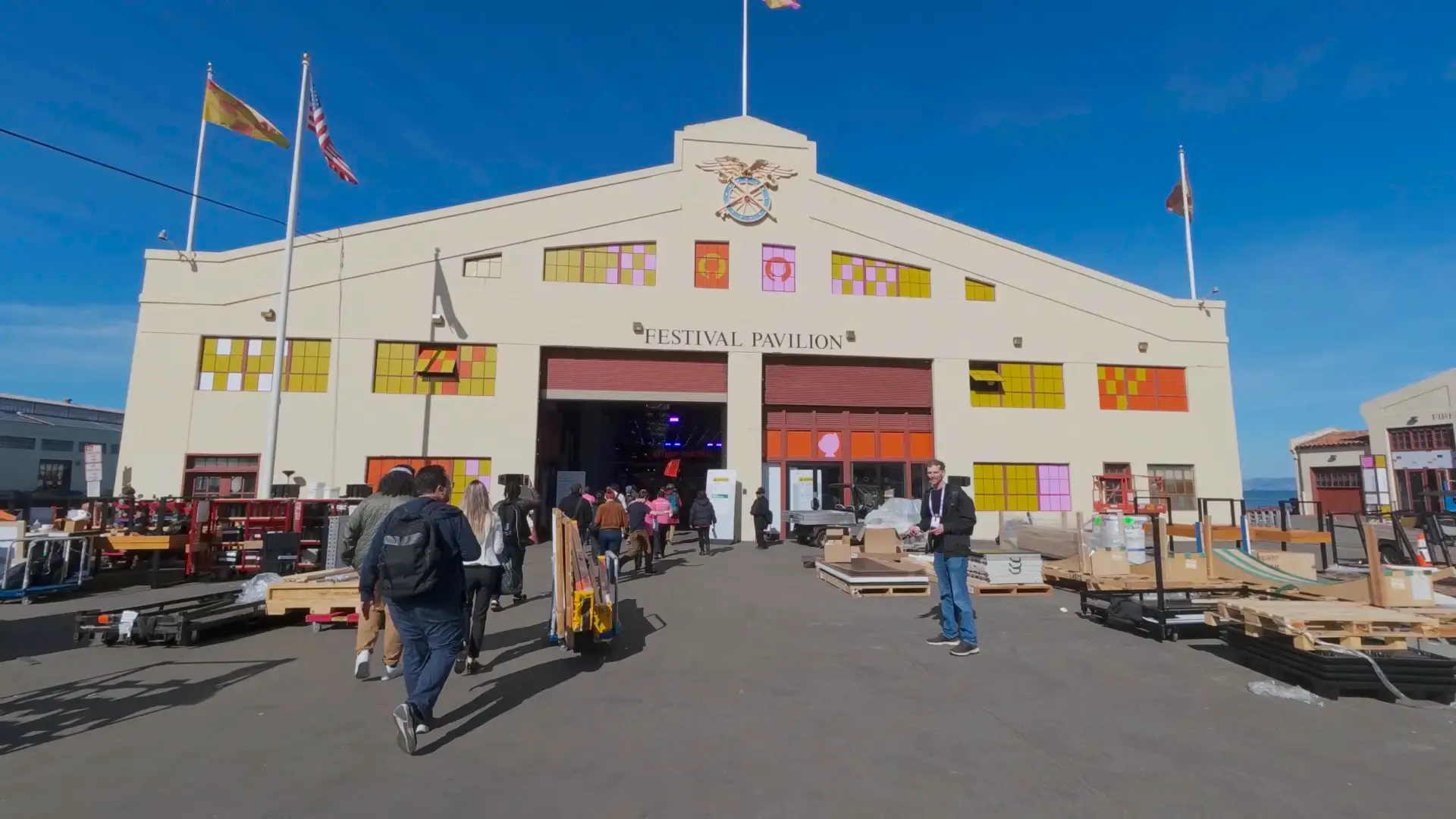
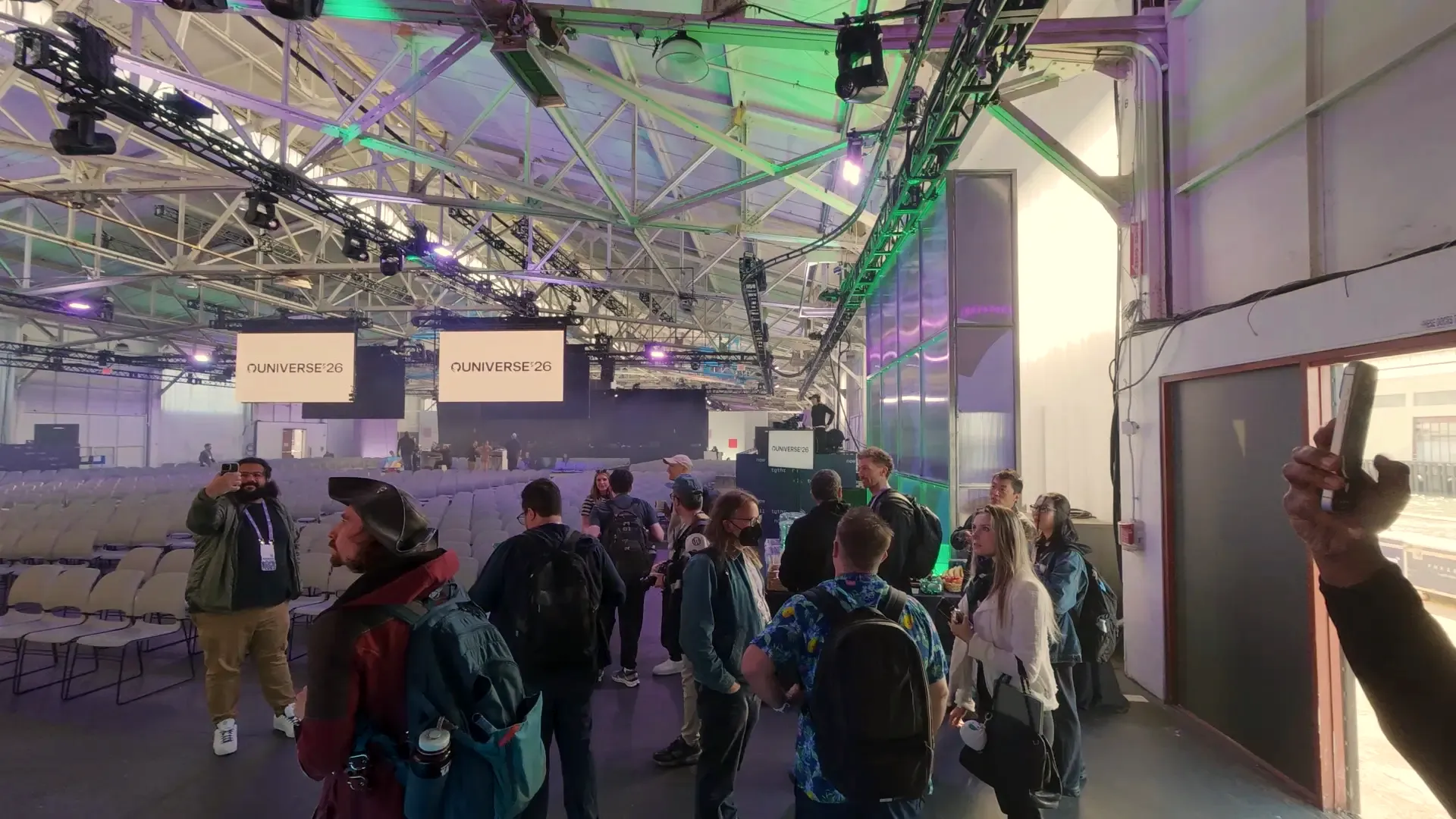
Before Universe officially opened, we got to attend a few Day 0 sessions at GitHub HQ and take a behind-the-scenes tour of the conference.
We walked through the campus while everything was still being prepared, got an early look at some of the experiences, and even sampled a few of the treats.
One of them was an ice cream bar dipped in chocolate, with a chocolate chip cookie and an Oreo on top, and the bottom covered in Butterfinger. There was a lot going on with that ice cream bar!
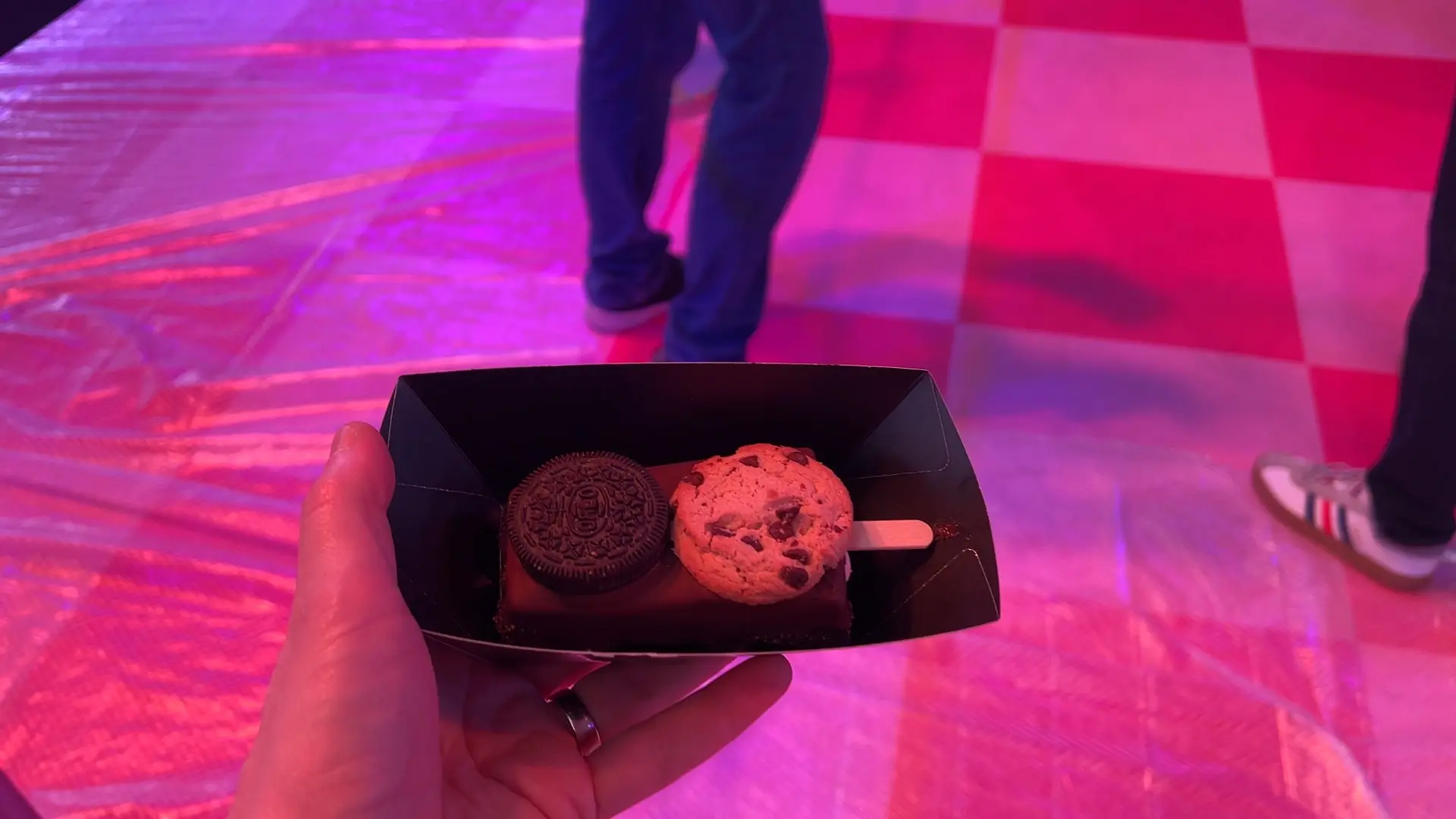 The chocolate-dipped ice cream bar, complete with a cookie, an Oreo, and crushed Butterfinger on the bottom.
There were also some pretty creative experiences throughout the campus.
The Hi-Fi Code section was good for some laughs. It had a bunch of fake album covers based on developer jokes and memes. There was CRON (like Tron), The Roadmap - Are We There Yet, Bugs (like Jaws), and Context Window - Too Long; Didn’t Attend. My personal favorite was Friday Deploy - Push to Prod.

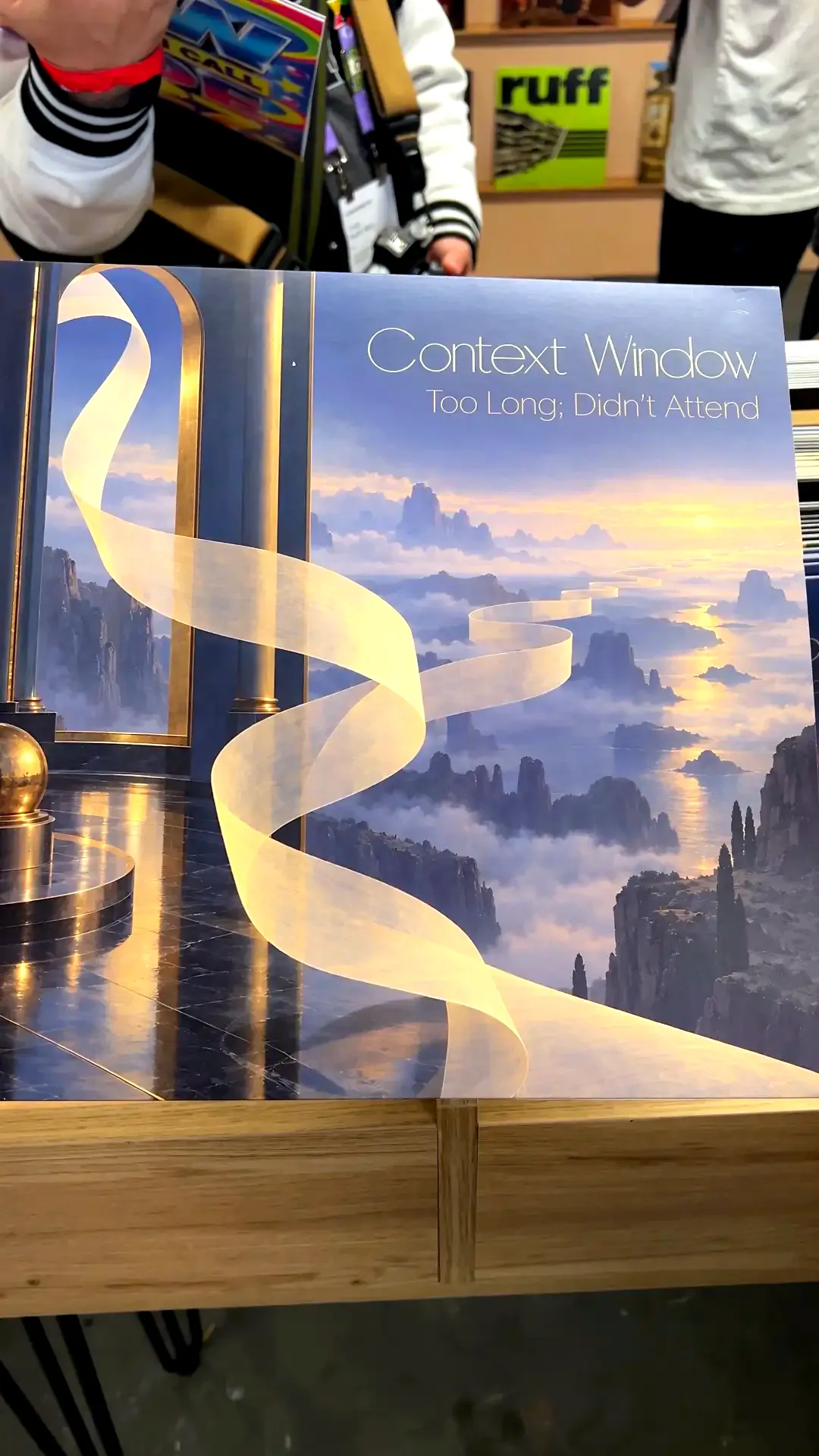
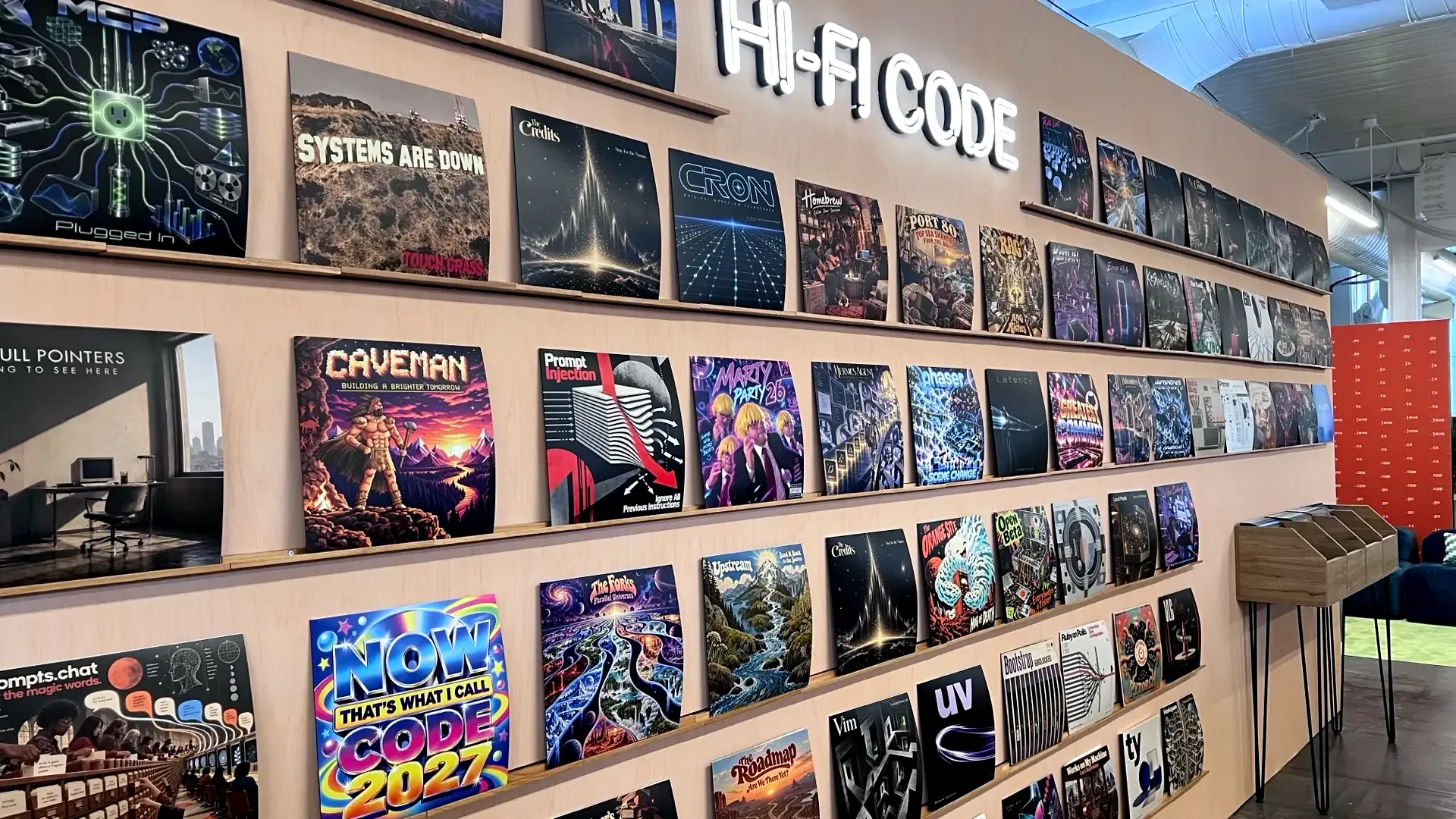
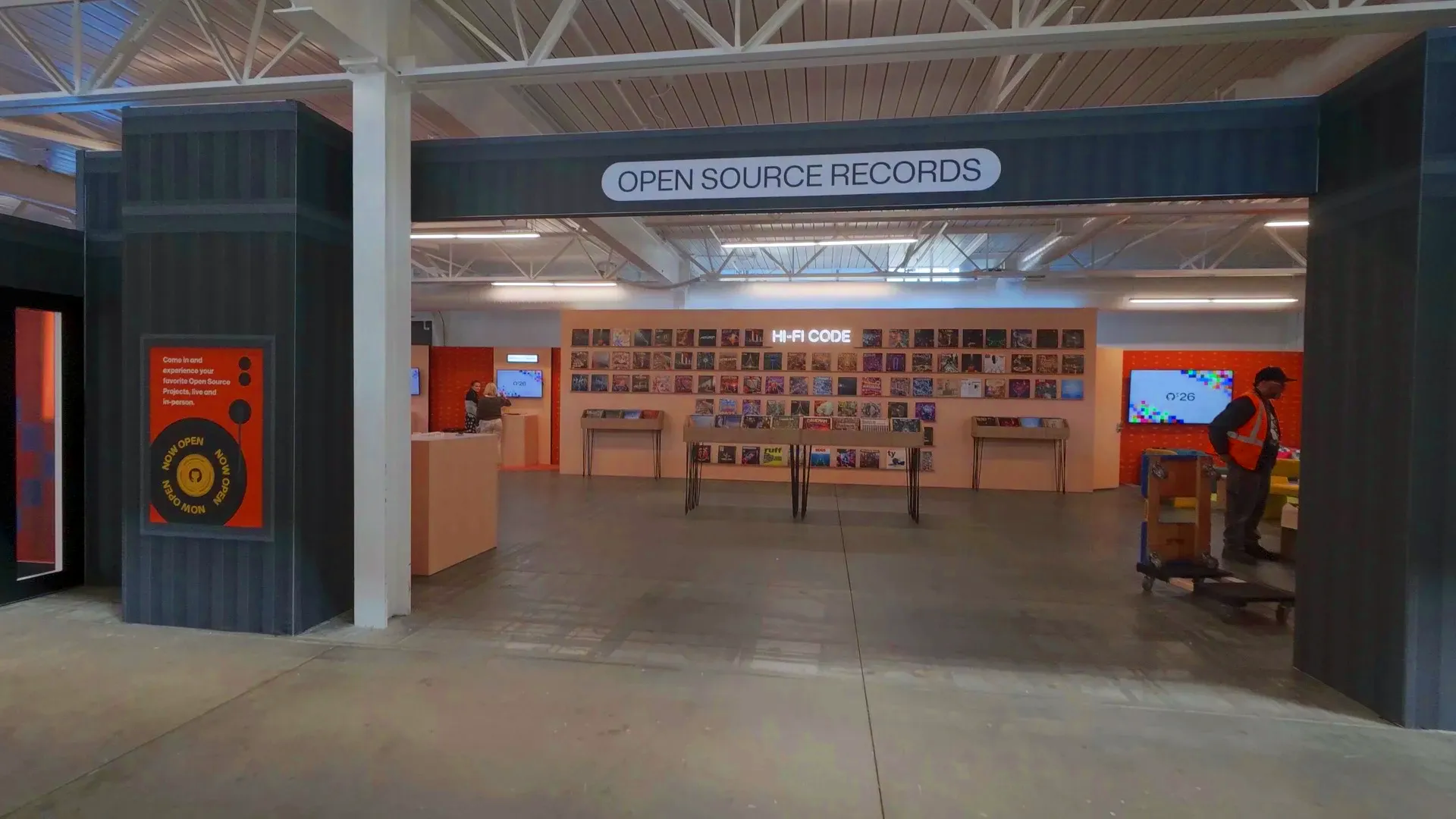
They also had a mural made entirely out of colored keyboard keycaps that spelled out LGTM 👍.
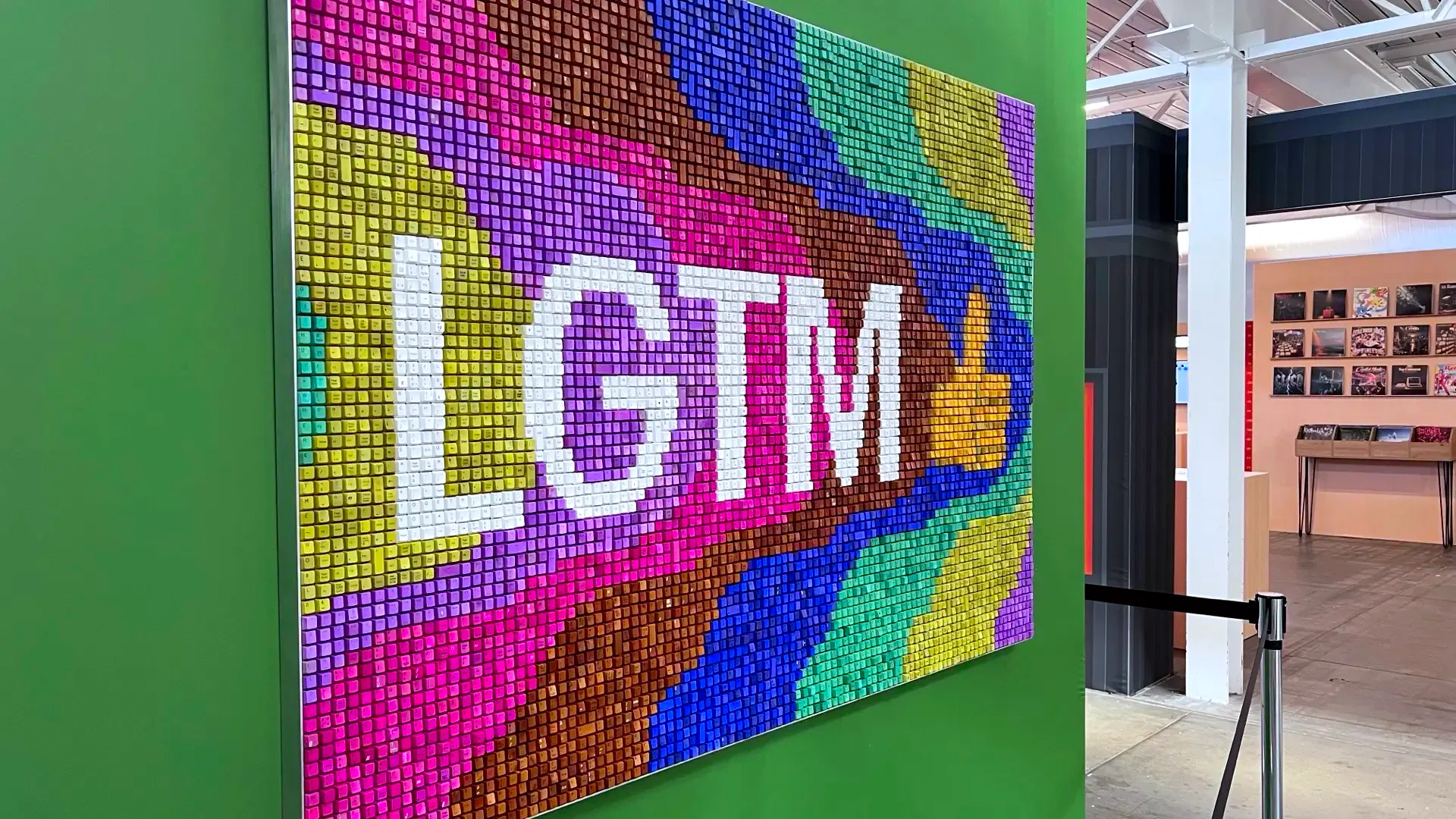 A mural made entirely from colored keyboard keycaps spelling out LGTM.
Another cool experience was the kitchen, where GitHub was showing off the new GitHub Copilot app. From the kitchen, you could actually walk through a refrigerator that led into the Speakeasy, a place where speakers could hang out and continue conversations after their sessions.
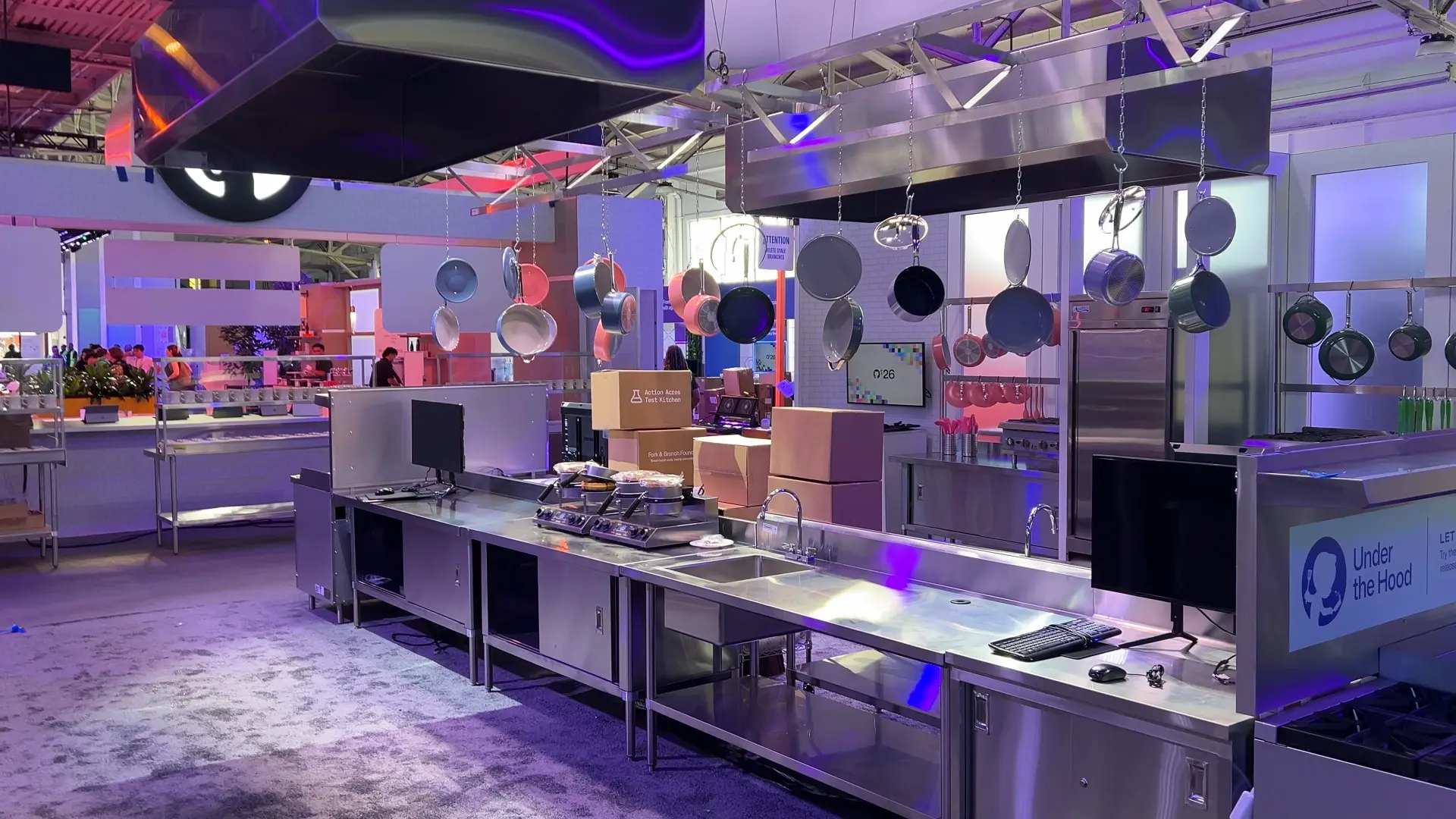
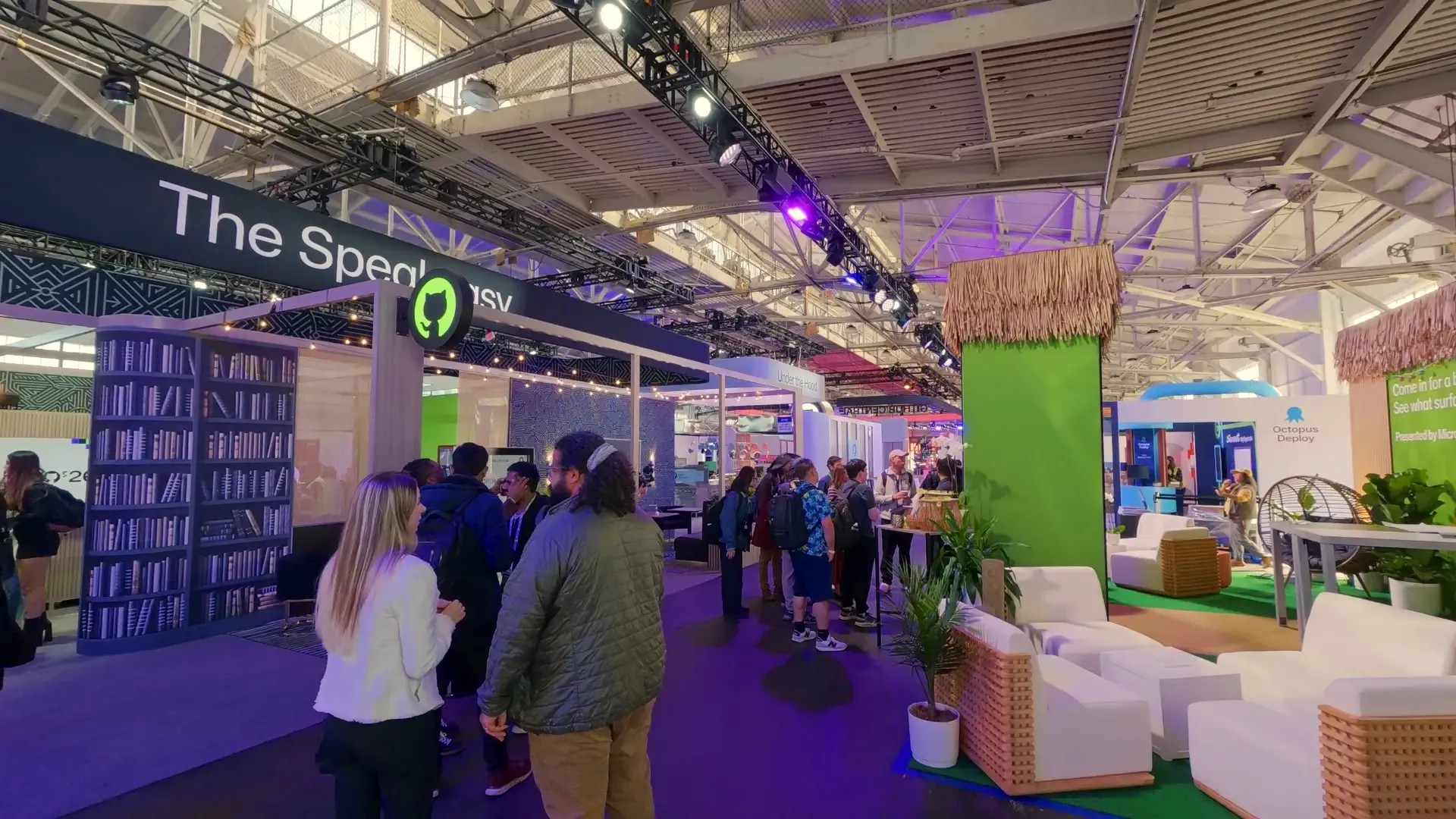
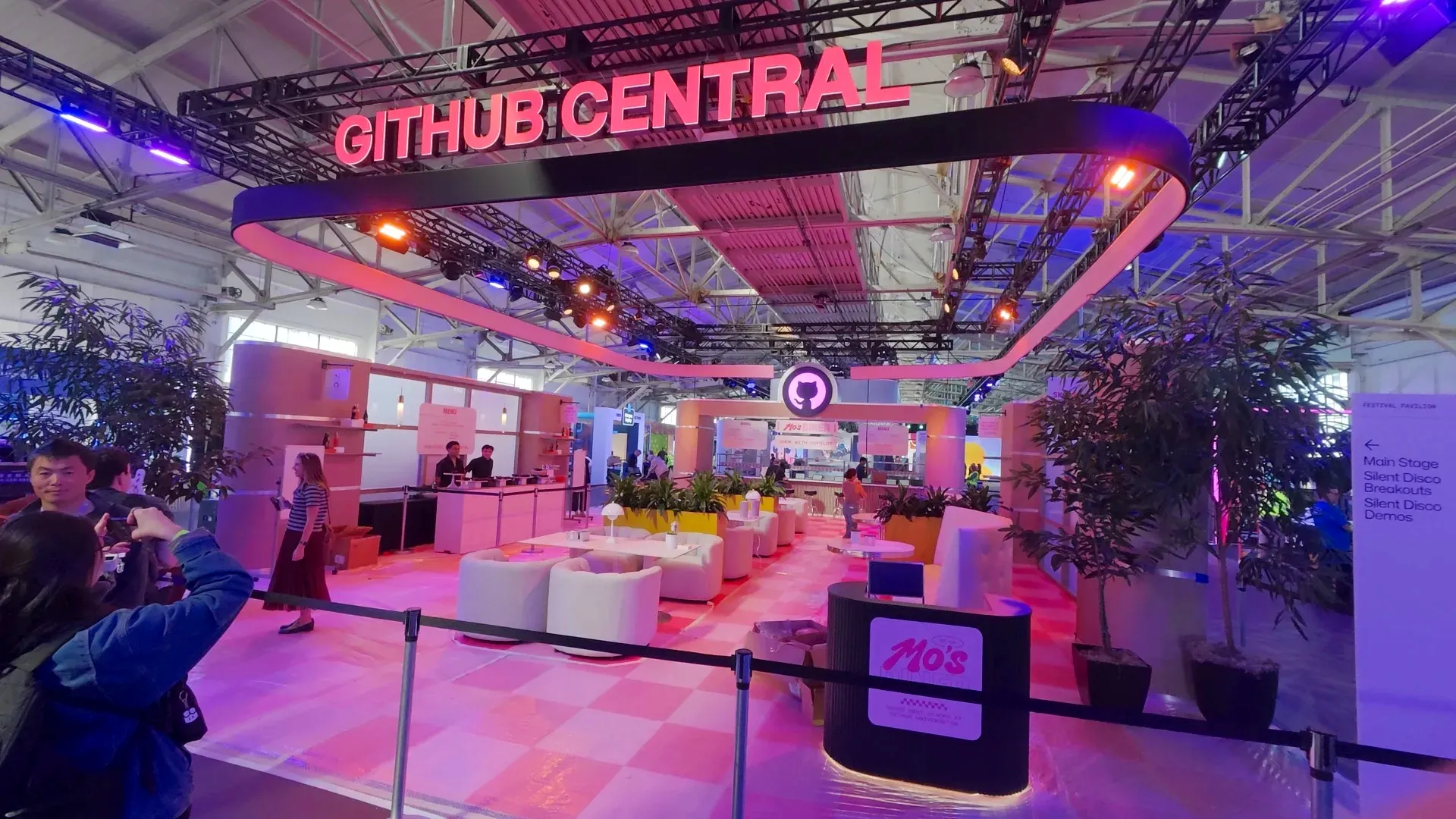
I also got to spend some time at GitHub HQ, where there’s a pretty cool Thinking Mona statue right as you walk in.
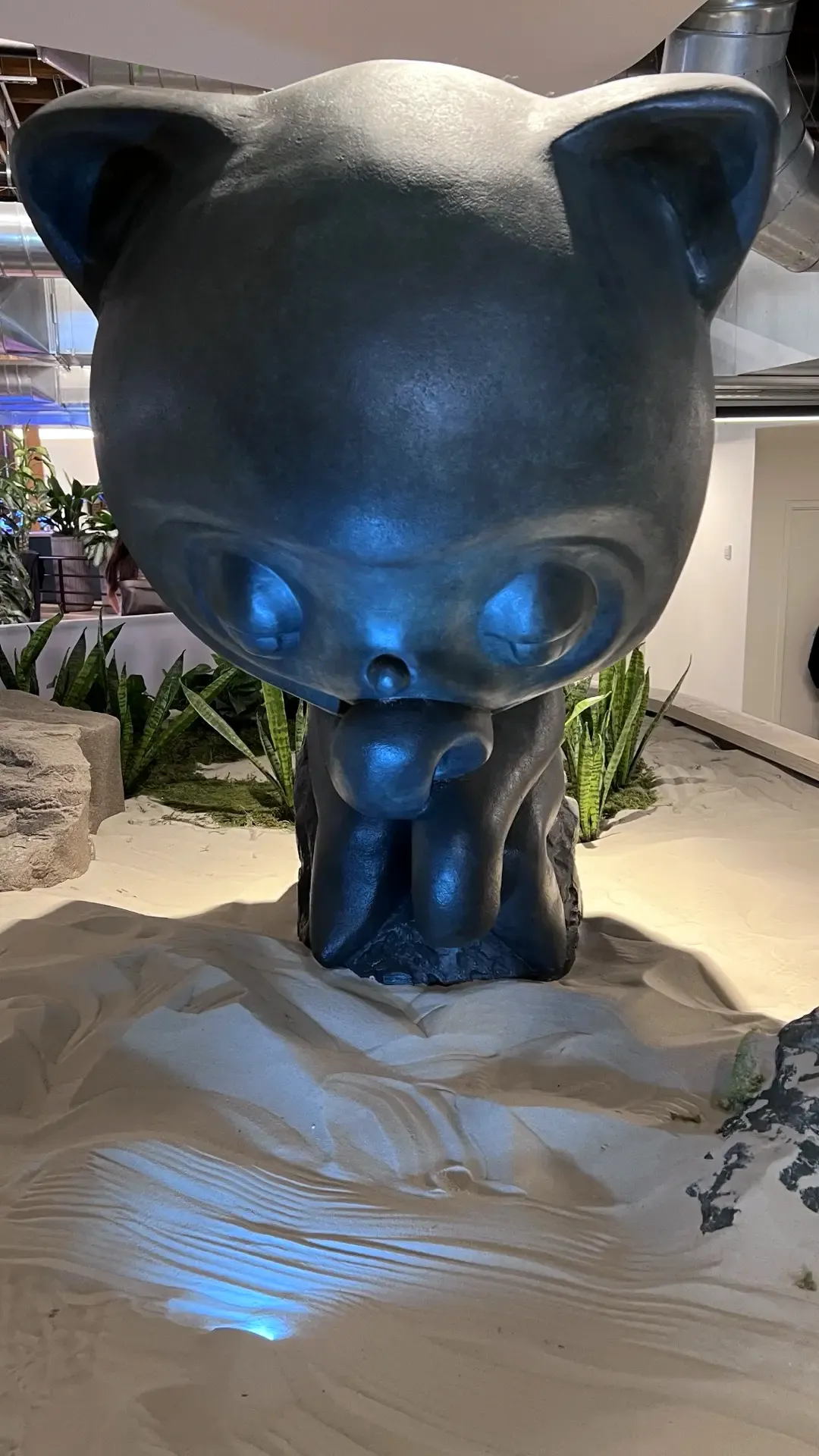 Thinking Mona at the entrance to GitHub HQ.
GitHub clearly put a lot of thought into these experiences, and I really enjoyed exploring everything between sessions.
A chance to reflect
I managed to get a second-row seat for the opening keynote, which was a pretty great way to experience it.
One of the first things I really appreciated was that GitHub opened by apologizing for the service interruptions they’ve had this year.
GitHub has experienced explosive growth with the adoption of AI agents. During the keynote, they talked about the massive increase in pushes, commits, CI activity, and new accounts, and how their infrastructure has been struggling to keep up.
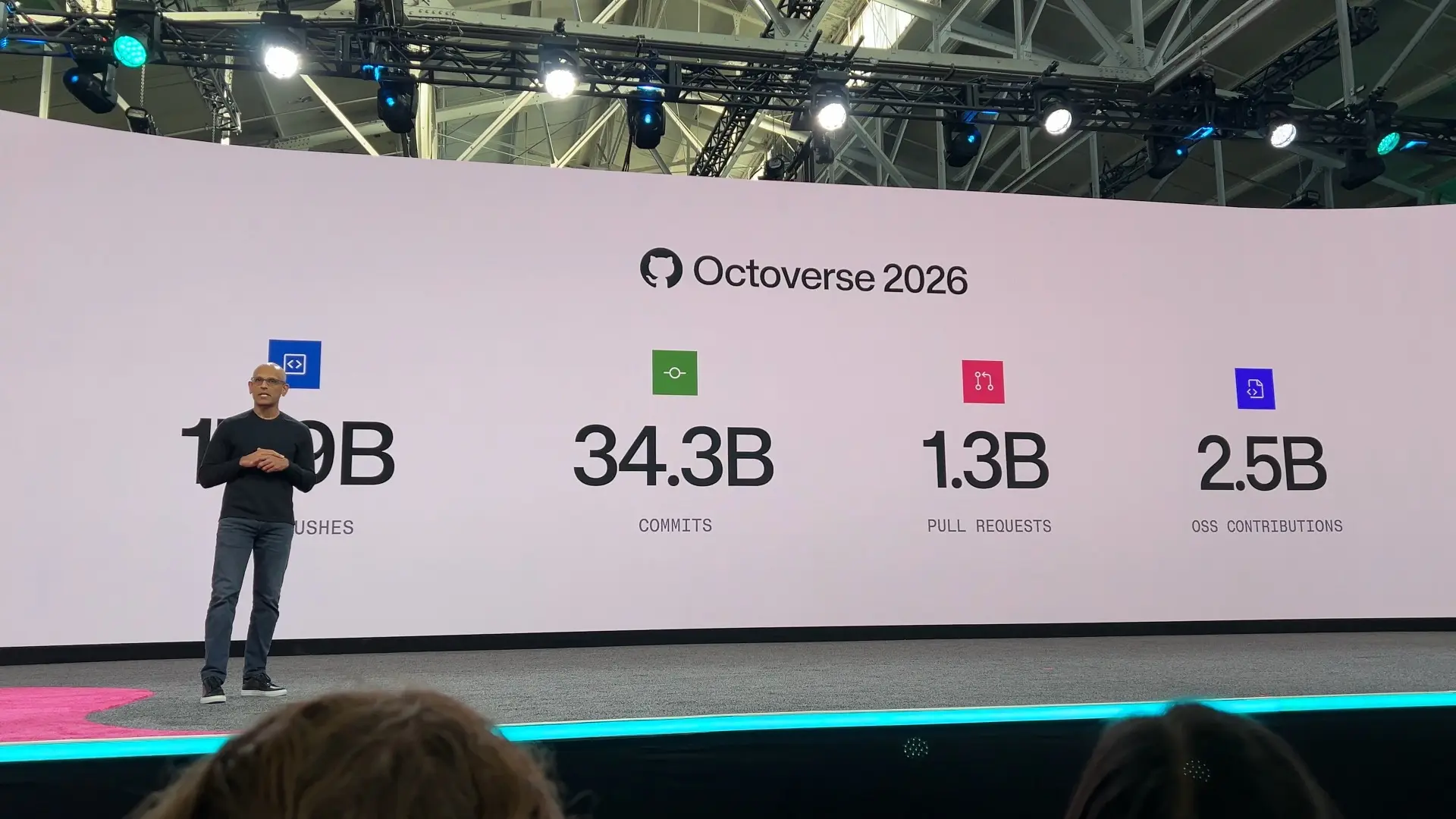
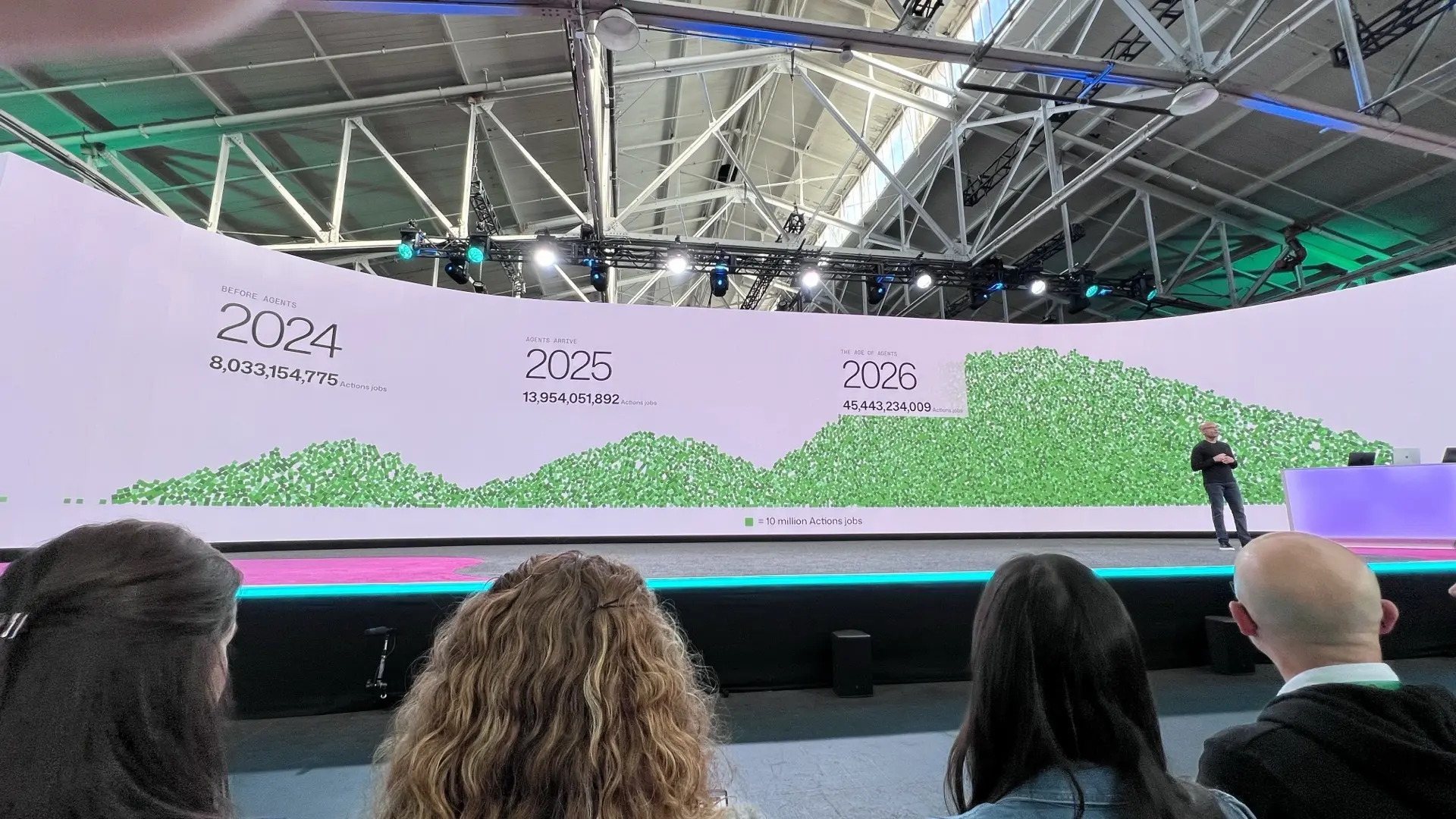
It was pretty clear that their existing architecture wasn’t designed for this kind of growth.
They’ve added a massive amount of compute, storage, and network capacity this year, but they’re also making changes to the underlying architecture, including moving toward a multi-region Azure infrastructure.
There’s more about those changes in GitHub’s Universe announcement.
I appreciated that they acknowledged the problems and talked about what they’re doing to address them.
GitHub listens
Another thing I appreciated was how much GitHub listens to feedback.
During Day 0, we attended a session about enhancements to the new GitHub Copilot app and another session focused on open source maintainers.
The maintainer session was particularly interesting because GitHub was asking for feedback directly from the people maintaining these projects. They wanted to hear about the problems people were running into and what could be improved.
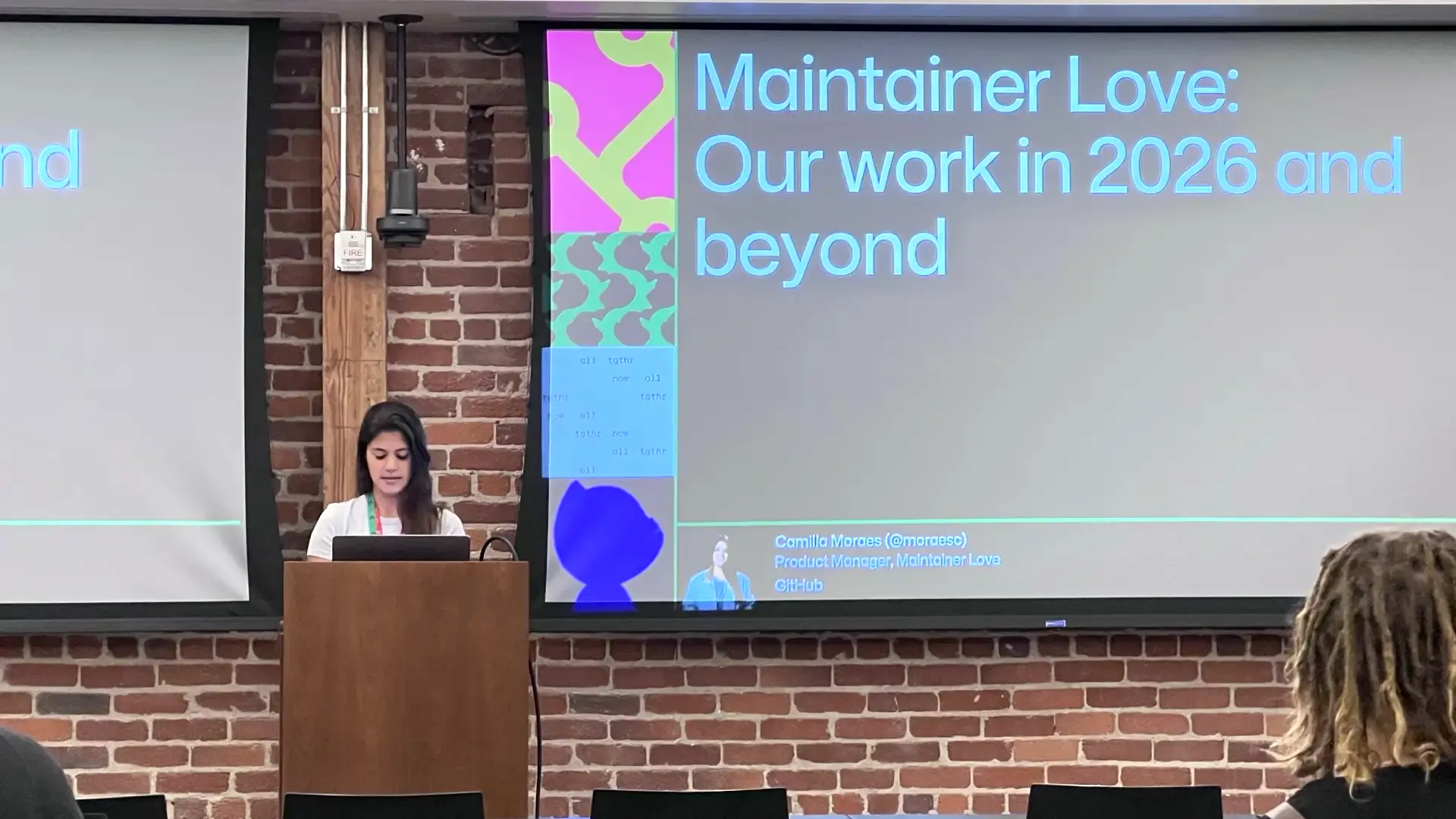 The Day 0 Maintainer Love session led by Camilla.
There were quite a few other sessions throughout Universe designed to gather feedback on new features, products, and workflows too.
I enjoyed these sessions because they also gave you some perspective on how other people and organizations were trying to solve similar problems. Sometimes someone would bring up something I hadn’t considered before, or approach a problem differently than I would.
Open source maintainers need better tools too
I was glad to see GitHub spending time on open source maintainers.
GitHub already provides a lot of tools and access to its platform for free, but they’re also creating features specifically for maintainers.
With the explosion of AI agents, writing code and opening pull requests has become easier than ever. But someone still has to review all those contributions, and a lot of that work is now getting pushed onto maintainers.
An agent might be able to generate a pull request in minutes, but that doesn’t mean a maintainer can review it any faster.
GitHub has already introduced things like pull request limits and is working on additional controls to help maintainers manage incoming contributions.
I think we’re going to need a lot more of this as agents become more capable. We need better tools to help maintainers sift through the noise while still making it easy for people to contribute.
Tooling needs to evolve too
GitHub announced quite a few additions to the Copilot app, and a couple of things I’m particularly interested in trying are Copilot Projects and connectors.
Copilot Projects looks like a way to work on things beyond just code in a single repository. You can start with ideas, planning, requirements, or questions, and bring multiple repositories together while sharing context across them.
This is really interesting to me because I’ve worked on plenty of projects where working on one solution actually meant working across several repositories.
Maybe you have your main application repository, a shared utilities repository, and another repository for components. Making one change might require updates across all of them, and releasing one could mean coordinating several other releases.
Copilot Projects is supposed to help with this by keeping the work and context together.
Connectors are interesting too. GitHub is making it easier to connect services like Slack, Figma, and others through OAuth. You connect once, and that connection can be shared across supported Copilot clients without having to configure and authenticate an MCP server separately in each one.
They also introduced more capabilities for Copilot Automations, allowing agents to handle recurring tasks or respond to events.
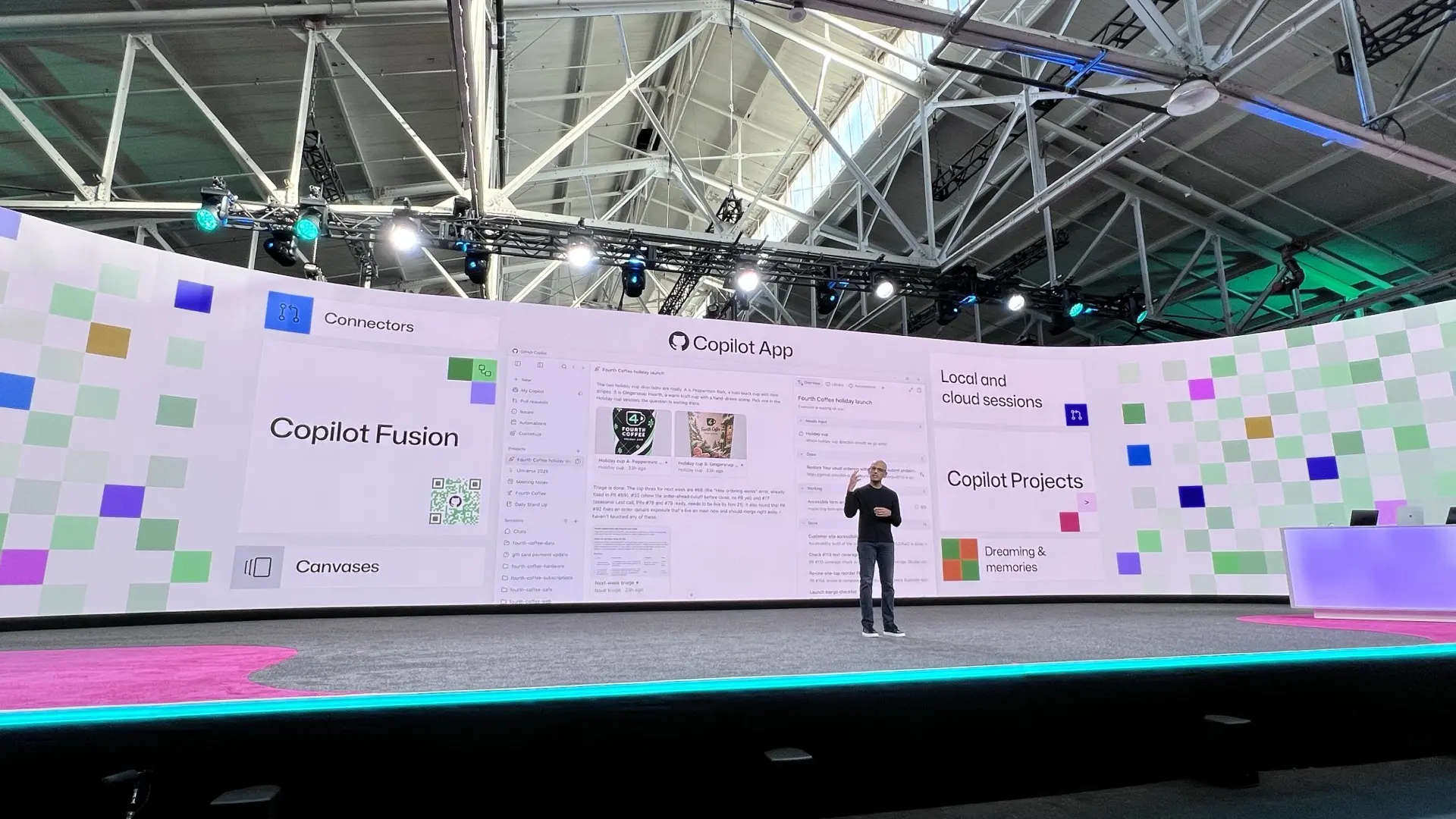 A demonstration of the new GitHub Copilot app.
I haven’t spent much time with these features yet, but I’m interested to see how well they work with some of my own projects.
Copilot Fusion
Another announcement that caught my attention was Copilot Fusion.
Fusion is GitHub’s model routing and orchestration system. Instead of choosing a specific model for every task, it can choose which model to use, or even coordinate multiple models depending on what you’re trying to accomplish.
That sounded pretty familiar. :)
I’ve been spending the last few months building my own self-hosted AI platform using vLLM and Semantic Router. The idea is similar in that I don’t want to have to choose a specific model every time I send a request. I’d rather have smaller models handle simpler tasks and use the larger models when they’re actually needed.
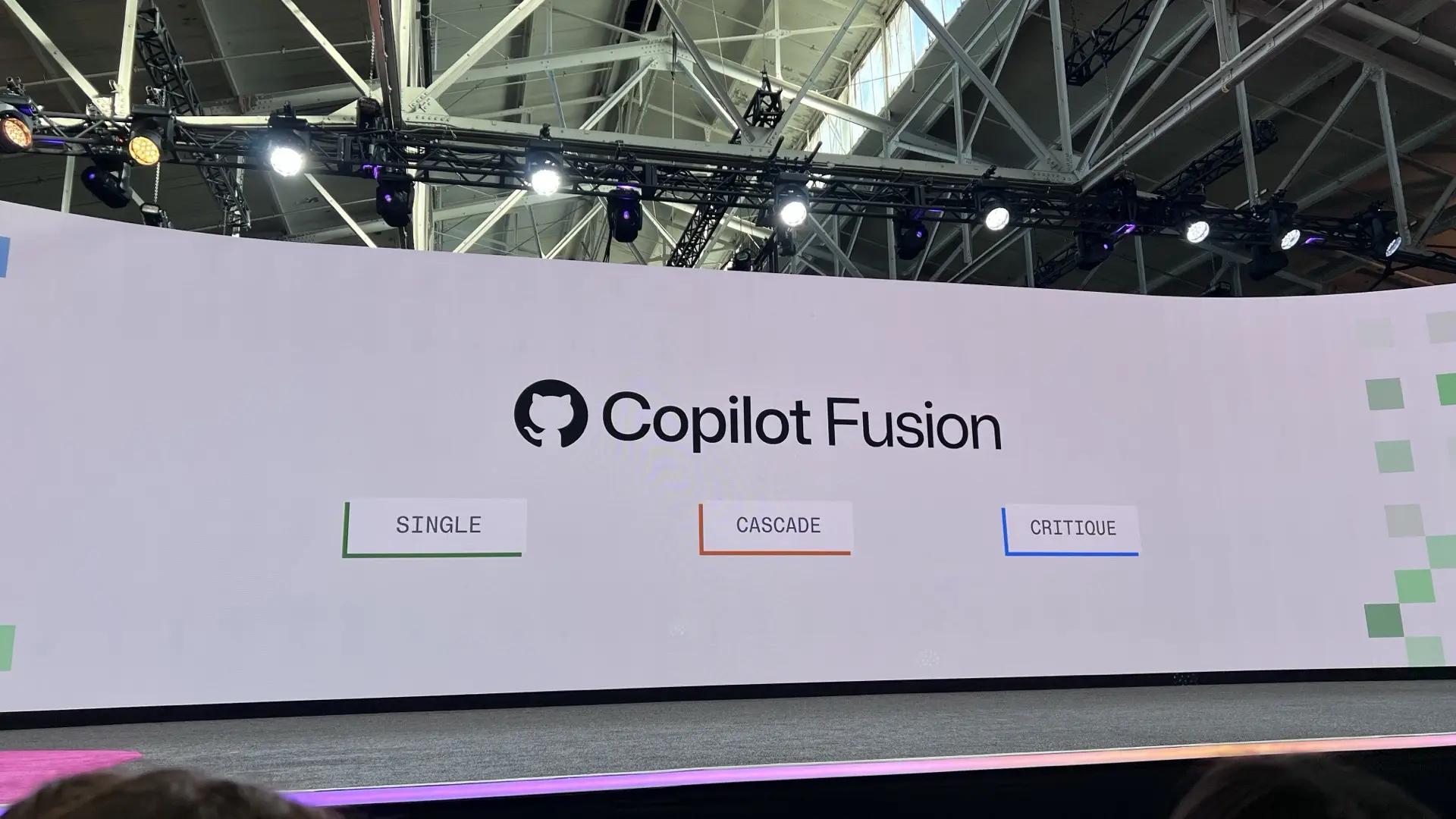 The Copilot Fusion presentation, showing GitHub’s system for choosing and coordinating AI models for each task.
I was curious how GitHub was approaching this, so I asked whether Fusion would ever be open sourced or self-hostable.
They said there aren’t any plans for that right now, although they did mention support for bringing your own models and keys. GitHub already has some BYOK capabilities and recently introduced experimental routing to supported local models, but Fusion still makes its routing decisions in the cloud.
I’m interested to see how this evolves, especially for people who want to use their own models and infrastructure.
The programmable badges
One of the coolest things at Universe was the programmable badge.
These things were awesome. I’ve never seen anything quite like them at a conference before.
The badge has an RP2350 microcontroller, a color display, USB-C, and support for running custom applications using MicroPython.
GitHub even had a dedicated Hack Your Badge area where you could connect your badge to a computer and customize it yourself.
You could configure things like your name, profile, and Wi-Fi, but if you wanted to take it further, you could install or create your own apps.
I didn’t have a ton of time to play with mine, but I did install a custom app that showed my photo, name, and a QR code linking to my social profiles. Pretty cool.
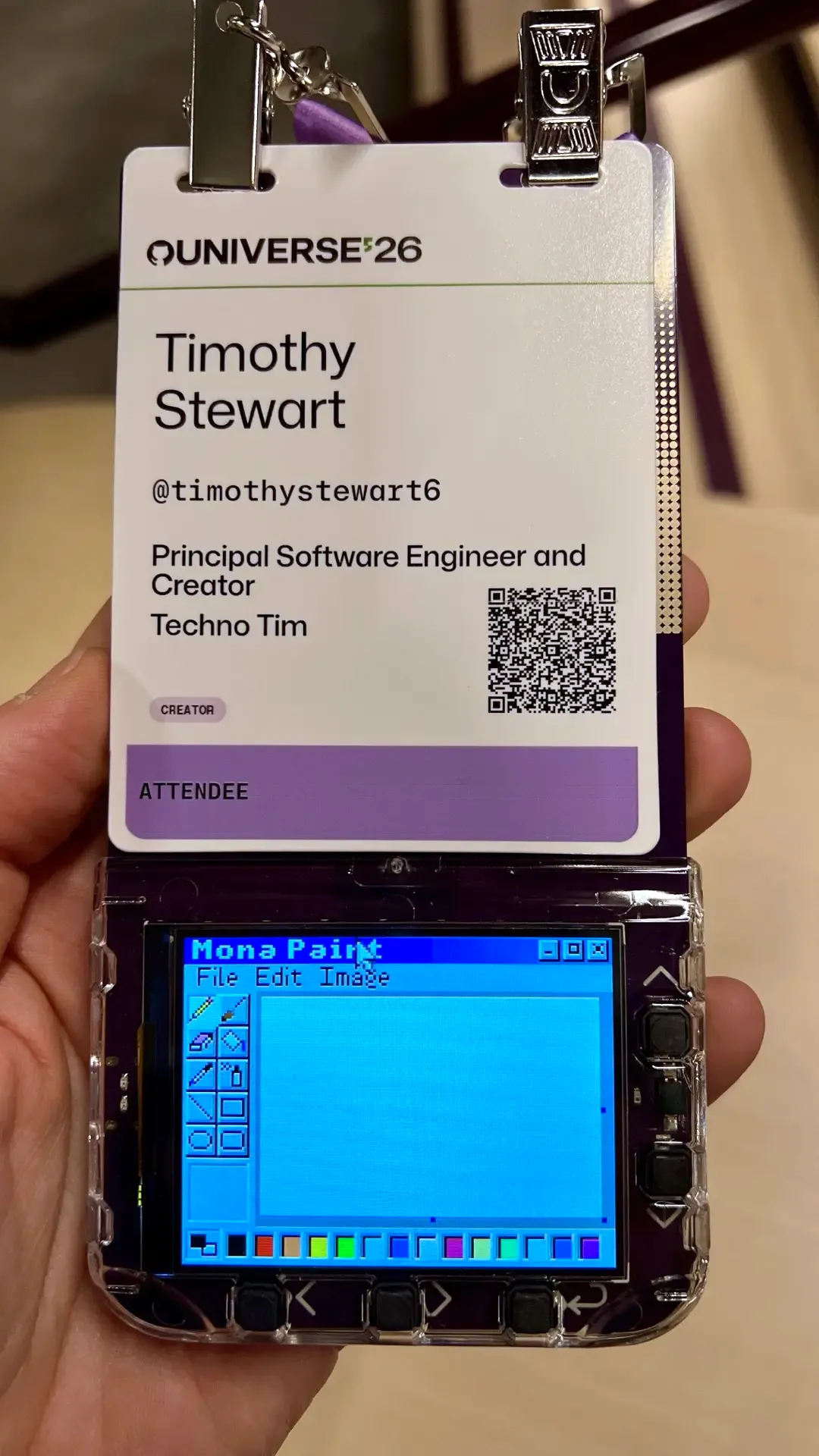
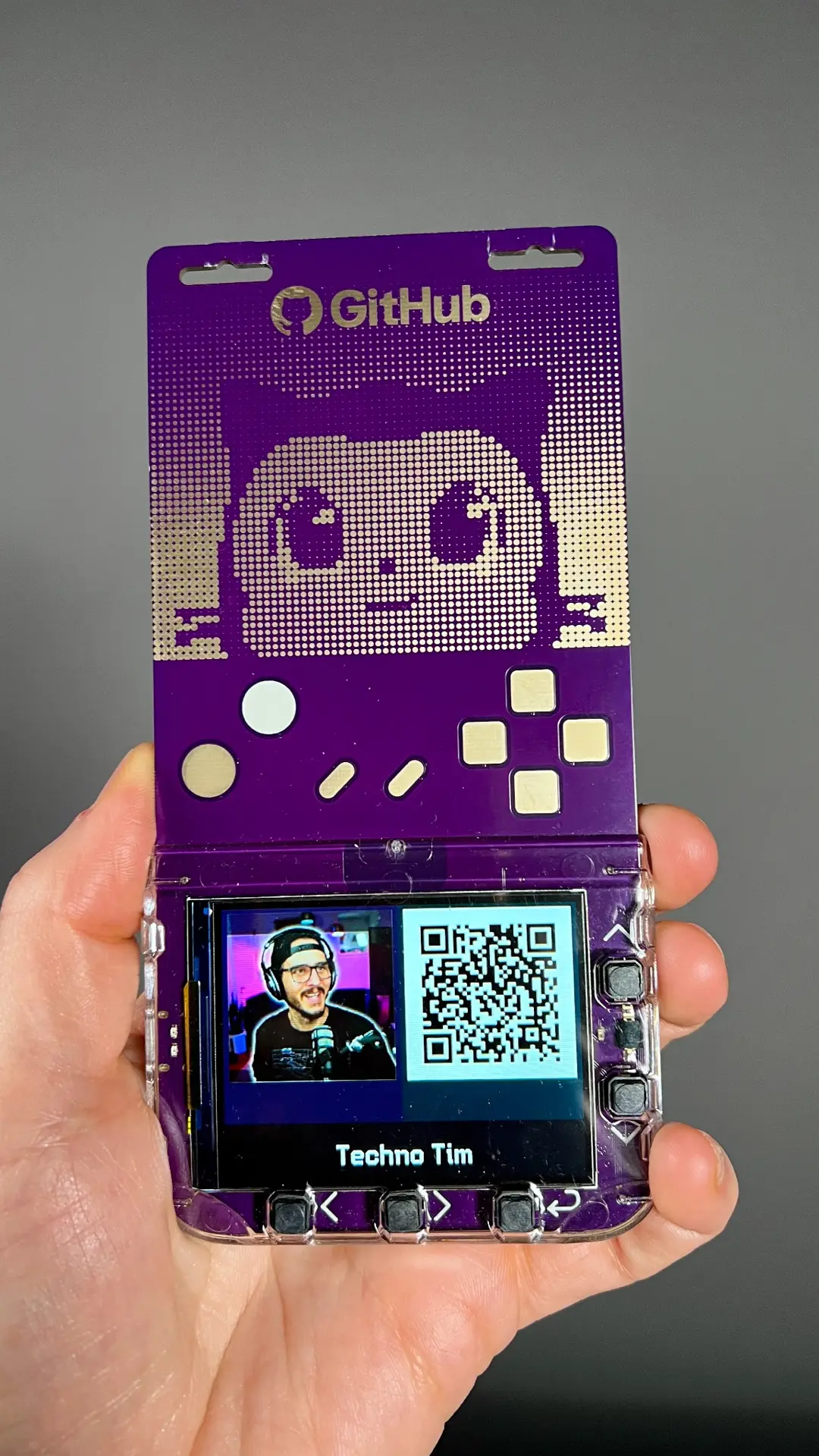
The badge source code and documentation are available on GitHub too, so there’s plenty more to explore.
Community
Community was by far one of the biggest themes at Universe.
It’s one of the few times you can get together with such a diverse group of like-minded people and share experiences. There were developers, maintainers, educators, creators, and Hubbers, all working on different things but with plenty of common interests.
I met so many awesome people who inspired me with the technical projects they’re working on, the content they’re creating, and the communities they’ve built.
I got to meet Bashbunni, Sam Meech-Ward, Nilesh from Techie Programmer, Alberta Tech, Maki Nagase, and Adewale “Ace” Abati.
Also, totally random, I met Cameron Hamilton from Love Is Blind. I had no idea who he was (sorry, but my wife did) and ended up hanging out with him for almost an entire day before realizing it.
I also met Franck Nijhof from Home Assistant, Steve Francia, who created Hugo, Cobra, and Viper, Kent C. Dodds, Leon Noel from 100Devs, and Alex Salkever, Editor-in-Chief at the Linux Foundation.
And many others I’m sure I’m forgetting (sorry!).
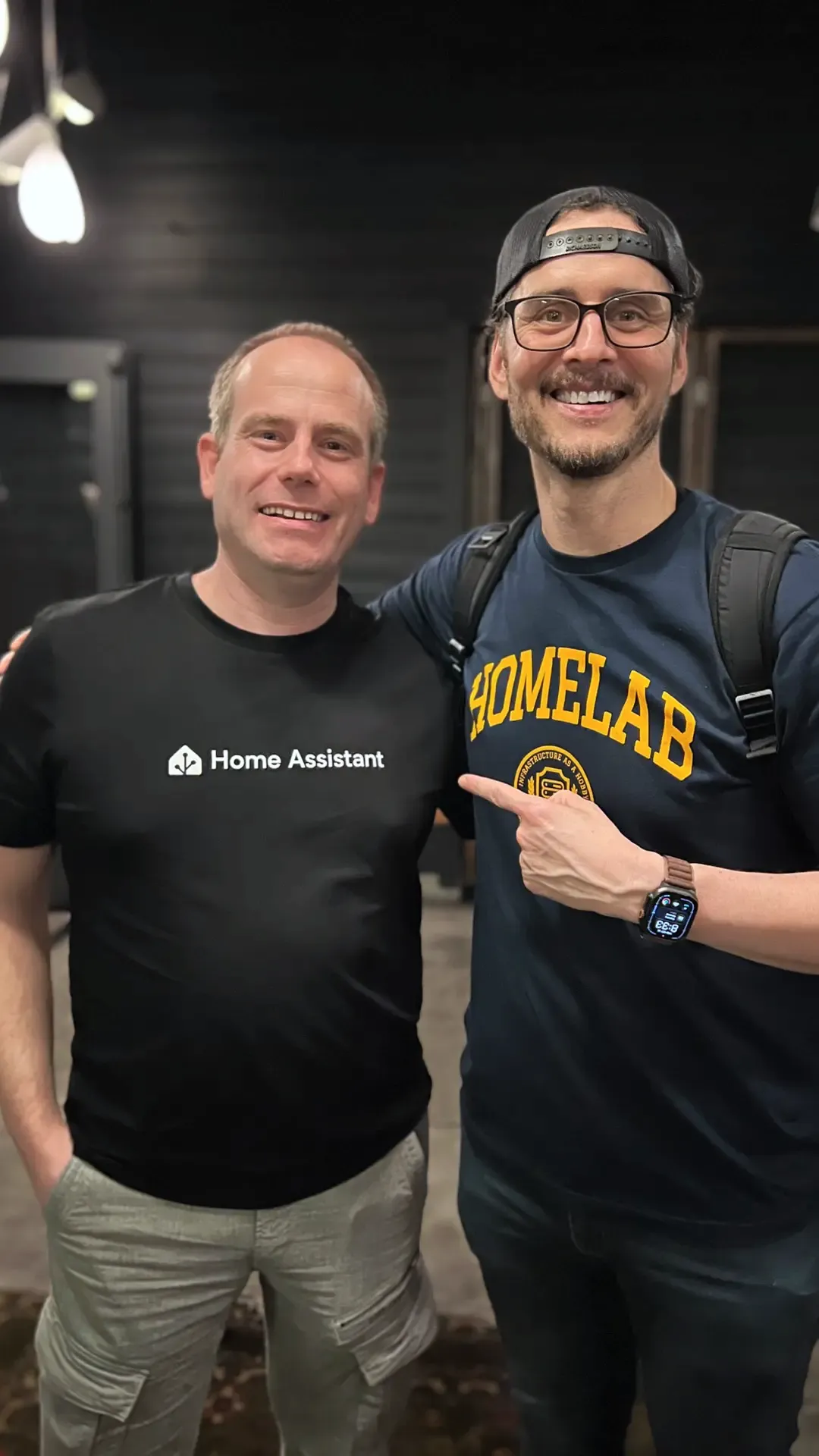 A photo with Franck Nijhof from Home Assistant.
I really enjoyed getting to know everyone, hearing about their projects, and learning about some of the things they’re working on.
Meeting Kyle Daigle
One of the coolest parts of Universe was getting to sit down with Kyle Daigle, GitHub’s COO.
We talked about the future of GitHub and how agents are changing software development.
I mentioned that with the explosion of agents and more people than ever writing code, including people who may have never used GitHub before, GitHub’s audience has grown tremendously beyond traditional developers.
Kyle mentioned that the definition of a developer is changing, and now GitHub has to think about what that means in this new world.
I thought that was interesting because GitHub has traditionally been a place for developers. But now people who might never have considered themselves developers can start building things with agents, and they’re going to need many of the same tools that developers have relied on for years.
After that, we actually ended up nerding out for about ten minutes talking about homelabs and home automation.
Kyle mentioned some of the homelab machines he has at home and how much fun he’s been having playing with them, including using agents to help with his home automation.
I wasn’t expecting to talk about homelabs and home automation with GitHub’s COO, but it was awesome!
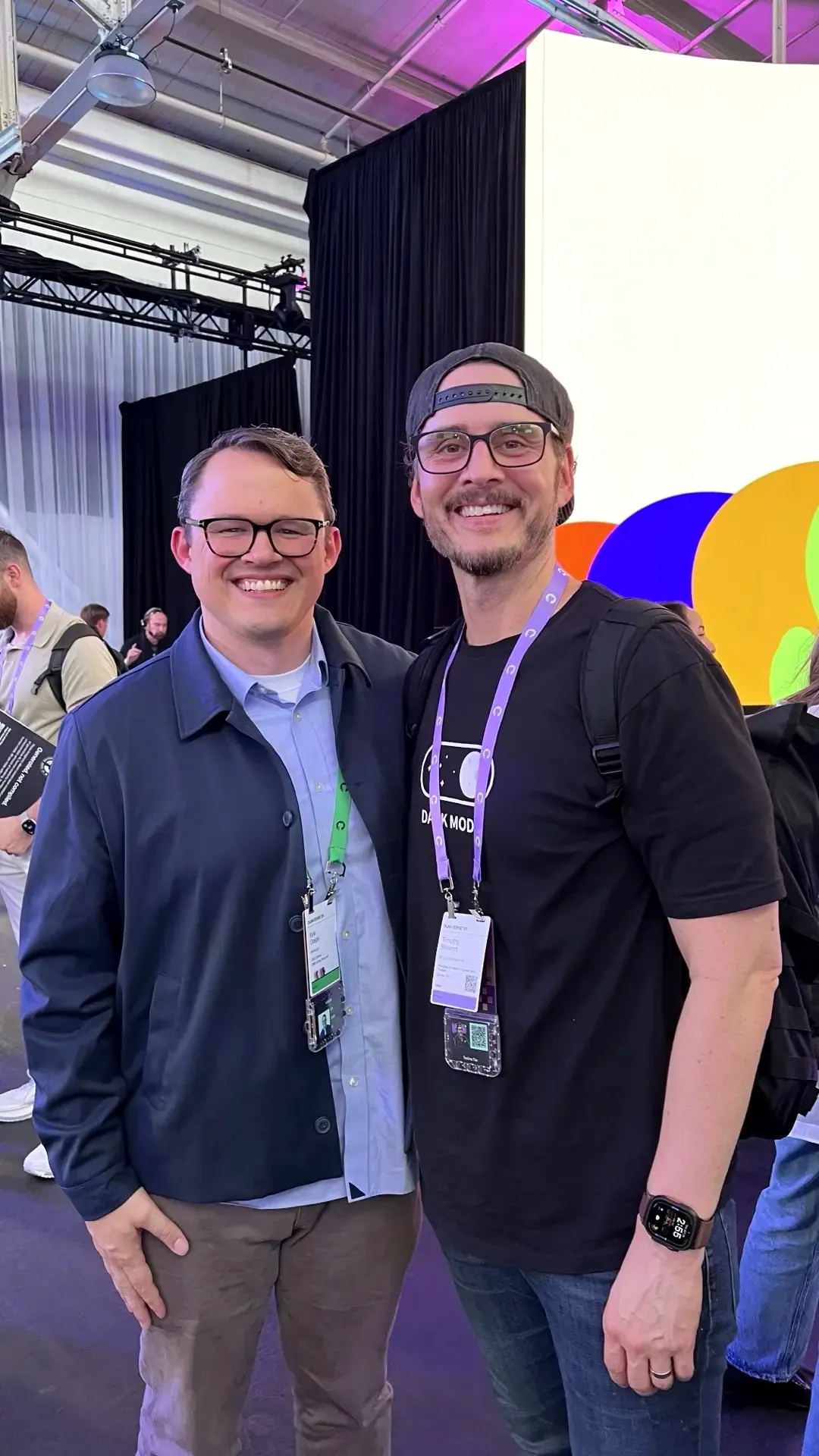 Me with Kyle Daigle, GitHub’s COO.
Coming home inspired
I left Universe feeling inspired.
There were so many people working on interesting projects, creating content, and sharing what they’ve learned, and I really enjoyed hearing about what everyone was building. I came home with quite a few ideas of my own.
I’m inspired to build new products, create new content, and spend some more time experimenting with things I hadn’t really considered before. I’ve also got a list of GitHub features I want to try, especially the new GitHub app and Copilot Fusion.
I’m excited to see what’s next for GitHub, but I’m also excited to get back to my own projects and start working on some of these ideas.
A huge thank you to Camilla Moraes for inviting me to GitHub Universe, Daisy Chaussee for helping me connect with Hubbers, the community, and other amazing creators, and Ashley Wolf for leading GitHub’s open source program.
And thank you to everyone I got to meet and spend time with. I really enjoyed the conversations and hope to see you all again!
Disclosure
GitHub invited me through its Creator Program and covered my flights, hotel, and local transportation for the event.